Preset: HDR Editing (Natural)
AI real estate photo editing, listing-ready in minutes
JRAHDR is an editing service built only for property photos. Upload a shoot, pick the edits each photo needs, and get back clean, bright, consistent images without sending files to an offshore editor or spending your evening in Lightroom. Every edit is designed to change what you asked for and leave the room itself alone.
 BeforeAfter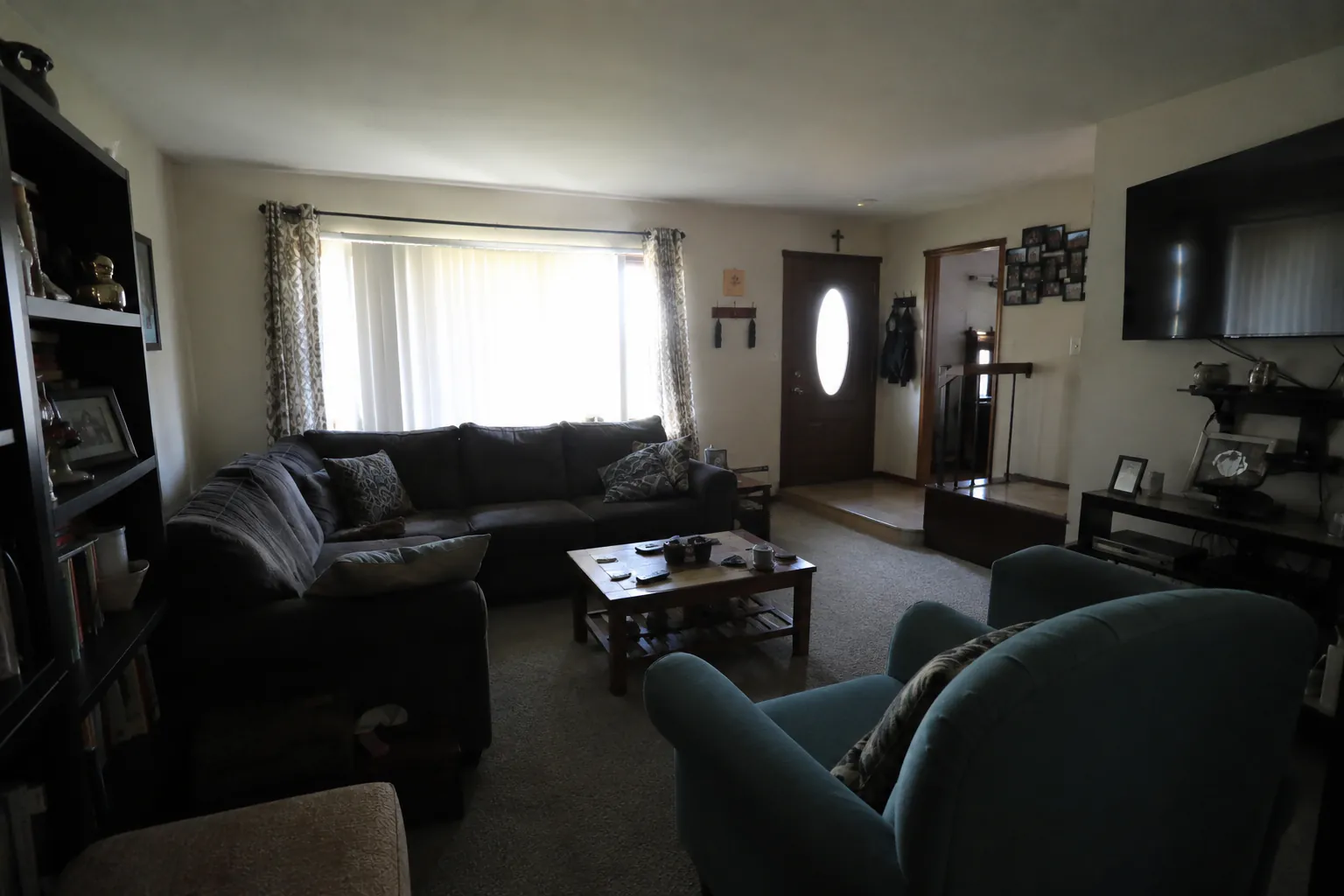
What you can do with a single upload
The edit picker groups everything into four families. Lighting & HDR covers natural and intense HDR looks, real twilights and window pulls that recover the view through blown-out glass. Replace & Swap handles sky replacement and blank TV screens. Add Atmosphere puts a fire in the fireplace, adds soft sun rays, or virtually stages an empty room. Refresh & Clean removes clutter (or empties a room completely), greens up lawns, clears pool water and turns winter exteriors into spring. If none of those fit, write a custom prompt like "brighten the kitchen and remove the toaster" and we apply exactly that edit.
How the editing works
Each preset is a carefully written instruction to an image model, paired with guardrails that tell it to preserve walls, windows, furniture placement and architectural details exactly. That matters for listings: a buyer who tours the home should recognise every room from the photos. Custom prompts get the same preservation wrapper automatically. For photographers who shoot brackets, there is also a true HDR merge that blends 2 to 9 exposures of the same scene into one frame.
Built for a real listing workflow
Drag and drop a whole shoot, or connect a Dropbox or Google Drive watch folder so new photos are edited as they land. Batches process in parallel, so a typical shoot is back in a few minutes rather than overnight. Every edit is saved as a version, which means you can stack edits — HDR first, then sky replacement, then a removal — and roll back to any earlier step. Studio and Brokerage plans add the Lightroom Classic plugin and a REST API for teams that want editing inside their existing pipeline.
Tips for better listing photos
Shoot level and straight: vertical lines that lean are hard to correct after the fact. Turn on every light in the house, open blinds, and shoot from chest height in corners to show the full room. Expose for the interior and let the editor recover the windows. Before you upload, cull near-duplicates so your edit allowance goes to the frames that will actually appear in the listing. Finally, keep edits honest — enhance light and presentation, but don't hide permanent defects buyers will see in person.
Turnaround and pricing
A single photo takes about 30 seconds end-to-end, and batches run in parallel. You can start on the free plan with 10 edits every month and no credit card. Paid Studio and Brokerage plans are billed per photo, and the per-photo rate drops as your monthly volume grows — see the pricing page for current rates. View pricing →
Frequently asked questions
- What kinds of photos can I upload?
- Phone shots, DSLR exports and drone images up to 50 MB — interiors, exteriors and aerials all work. You don't need bracketed exposures for the HDR presets; a single frame is fine.
- Will the edits change the layout of the room?
- Every preset, and every custom prompt, carries a structural-preservation instruction so walls, windows and furniture placement stay where they are. You can compare each result with the original and revert to any earlier version.
- Can I apply more than one edit to the same photo?
- Yes. Each edit creates a new version of the photo, so you can chain HDR, sky replacement and a removal, then keep whichever version you like best.
- Do you train on my photos?
- No. Inputs and outputs are stored with your account so you can download them again, and you can ask us to delete them at any time.